Tested guides · Original examples
Image under 200KB still rejected? Check format, size and dimensions
Compare the receiving platform requirements with the actual image. Separate file size, pixel dimensions and true format to avoid repeated blind compression.
Maintained by:Finl Tools · Updated: · Example dates and methods appear below
Open image compression and format conversionLocal check · No file upload
Compare your actual file with the receiving platform requirements
Supports JPEG, PNG and WebP, up to 30 MB per image. Leave unknown requirements blank. This checks readable format, byte size and pixel dimensions only; it does not assess portraits, clarity or platform review rules.
Meeting these conditions does not guarantee acceptance. Check the content, clarity, account status and platform messages. This tool does not connect to the receiving platform.
Open image compression and format conversion →Record all platform requirements first
Write down accepted formats, the file-size limit, width and height requirements, and the exact error. 200KB, 600×800 pixels and JPG are three separate conditions. Meeting the size limit does not satisfy the others. The checker above compares only the conditions you enter; it does not infer platform rules.
Leave unspecified requirements blank. For example, “clear photo” must not be interpreted as a fixed width and height. Passing these checks does not replace visual and content review or the receiving platform final decision.
Reproduce different KB conventions with the same file
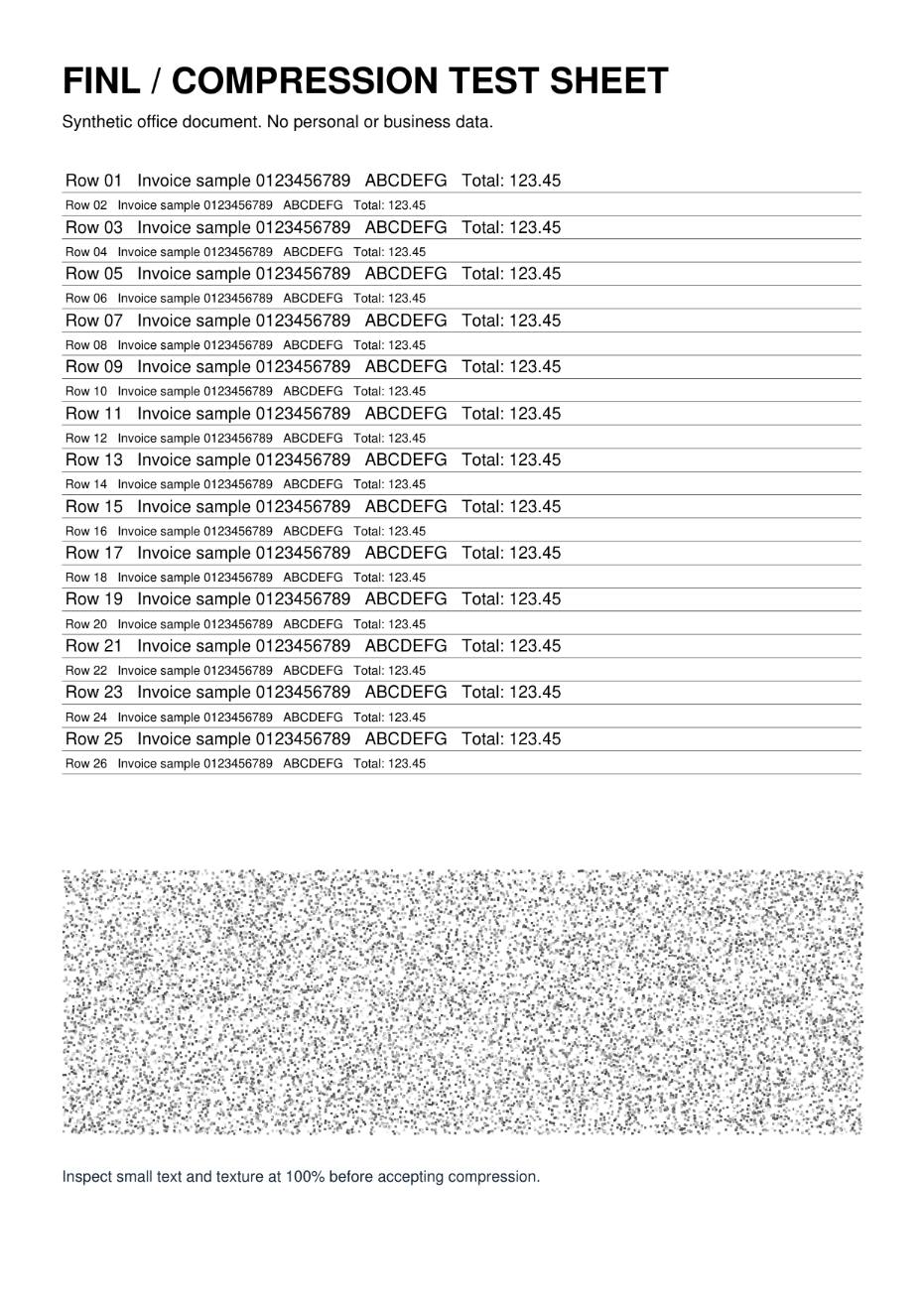
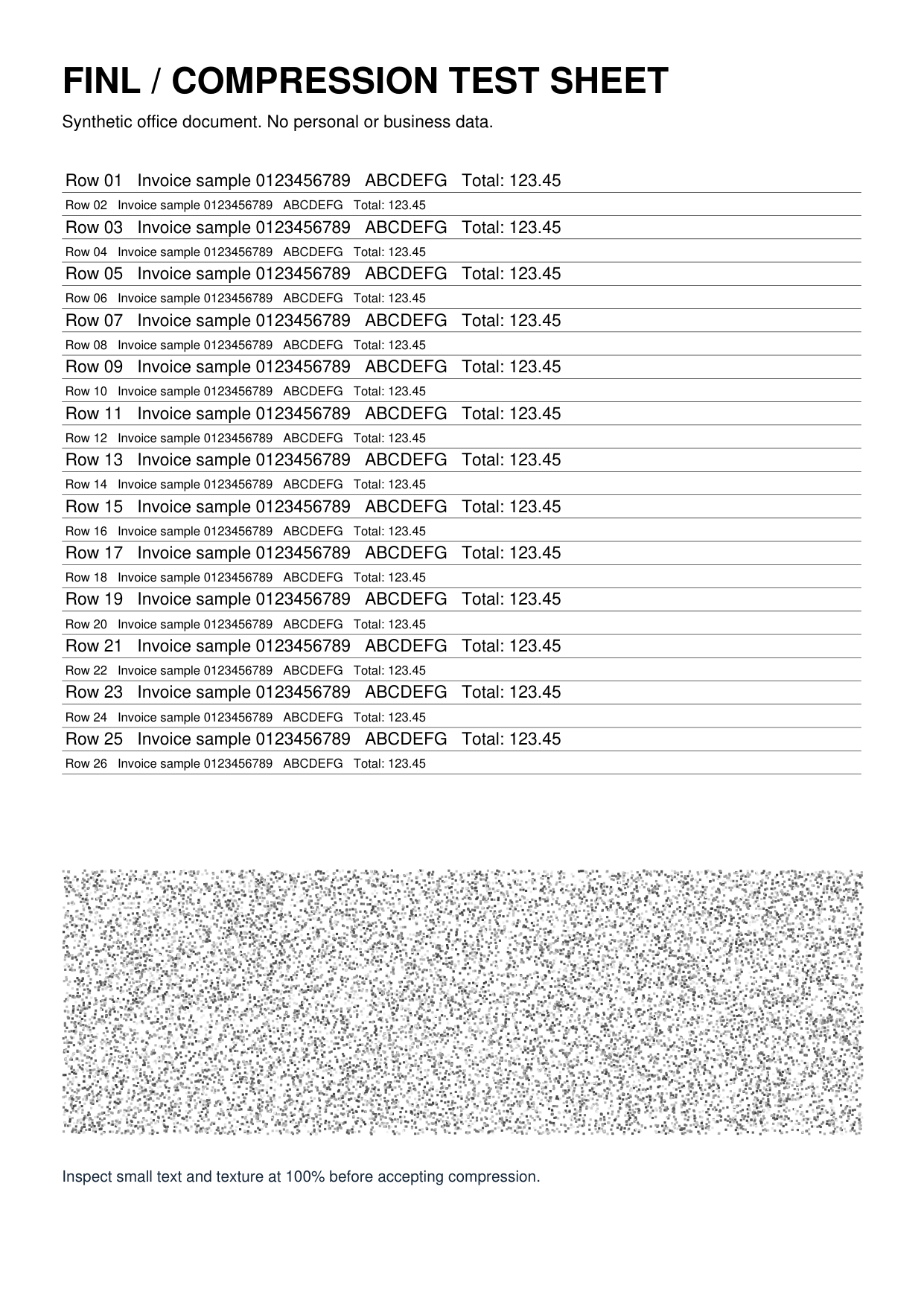
Click “Load the 200KB boundary example” above, enter a size limit of 200, select JPEG and leave dimensions blank. The example is exactly 204037 bytes and 931×1316 pixels.
At 1KB=1000 bytes, the limit is 200000 bytes and the file exceeds it by 4037 bytes. At 1KB=1024 bytes, the limit is 204800 bytes and 763 bytes remain. The same file receives different size results. If the platform does not specify its convention, start with the stricter 200000-byte check.
This site uses the 1024-byte convention for compression. If the recipient uses 1000 bytes, try a 195KB target (199680 bytes), then verify the downloaded size. This number is specific to a 200000-byte limit, not a universal platform requirement.
After size passes, check format and pixels
Change the required format to PNG and check again: size may pass while format fails. The checker reads the file header and attempts browser decoding instead of relying only on the extension. Renaming .png to .jpg does not convert a file.
Enter required width 600 and height 800. The example will fail the dimension check. “Maximum width/height” on this site limits dimensions proportionally; it does not guarantee an exact 600×800 output. A fixed aspect ratio usually requires cropping or padding. Use an appropriate image editor to avoid stretching people or text.
This tool reports browser-decoded pixel dimensions. For photos with rotation metadata, receiving systems may interpret original dimensions or orientation differently. Confirm orientation in a local editor and re-export if necessary.
When all three pass but the platform still rejects it
Keep the original platform error. Check whether the file opens correctly, the account or session has expired, the network failed, or the platform has additional background, content or filename rules. File size and dimensions alone cannot reveal these issues.
Do not keep lowering quality to address login, network or server errors. When reporting a problem, provide a redacted error, the time and the format/dimensions/byte count already checked, rather than sending the original sensitive photo.
Download the input and actual outputs
All files are synthetic examples created by this site without real business information. Download them to repeat the operations.
The checker reads headers, actual byte counts and decodable dimensions in the browser. The downloadable example is the measured Chromium 153 Canvas output from 2026-09-26; this page adds the requirement-comparison workflow.
| File | Actual bytes | Download |
|---|---|---|
| Boundary example: a 204037-byte JPEG | 204037 B | Download file |
| Original PNG used to create the example | 616497 B | Download file |