Download examples · Check the results
One office test image: compare JPEG quality after resizing
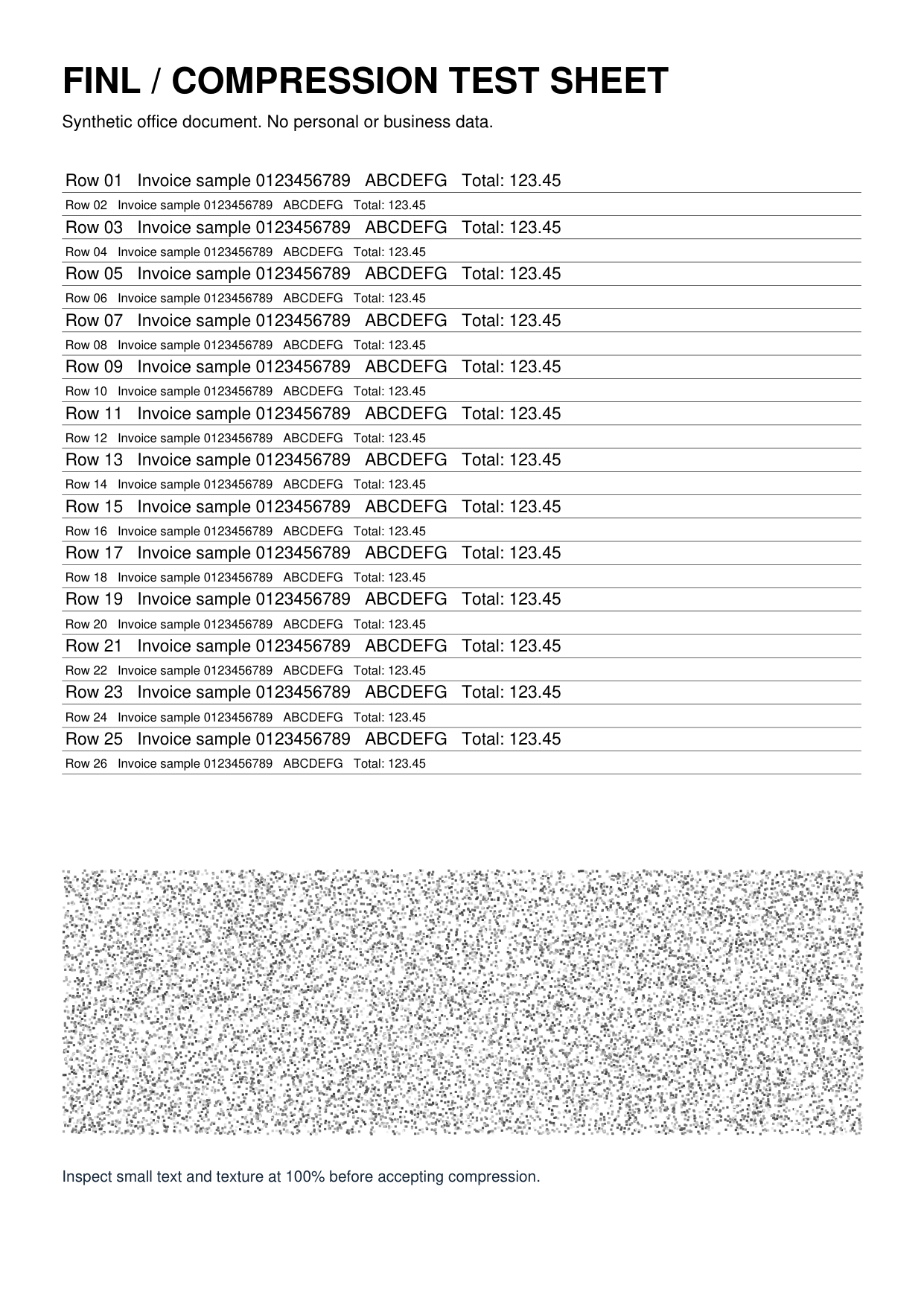
The original is a synthetic 1241 × 1754-pixel PNG containing small text, fine lines and texture. We used this page's image compression with maximum width 1000, maximum height 0 and JPEG output, testing quality 80 and 50 separately.
- Download the original and select it in the tool above.
- Choose JPEG output, maximum width 1000 and maximum height 0.
- Compress and download at quality 80, then retry the same original at quality 50. Check file size, text edges and actual output dimensions.
| File and settings | File size | Download |
|---|---|---|
| Original: 1241 × 1754-pixel PNG | 602.0 KiB | Download file |
| JPEG quality 80 / width 1000 pixels | 253.4 KiB | Download file |
| JPEG quality 50 / width 1000 pixels | 172.5 KiB | Download file |
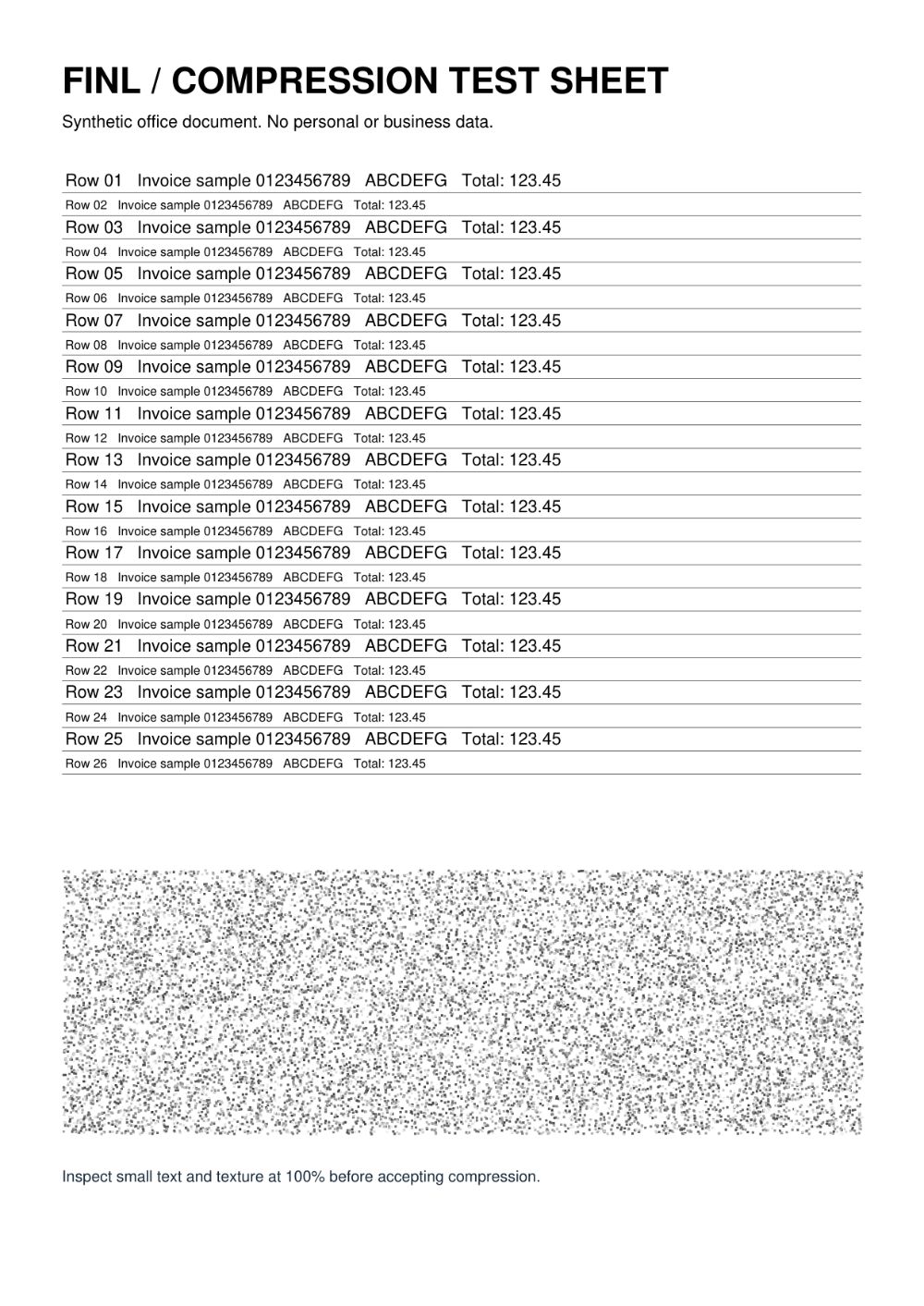
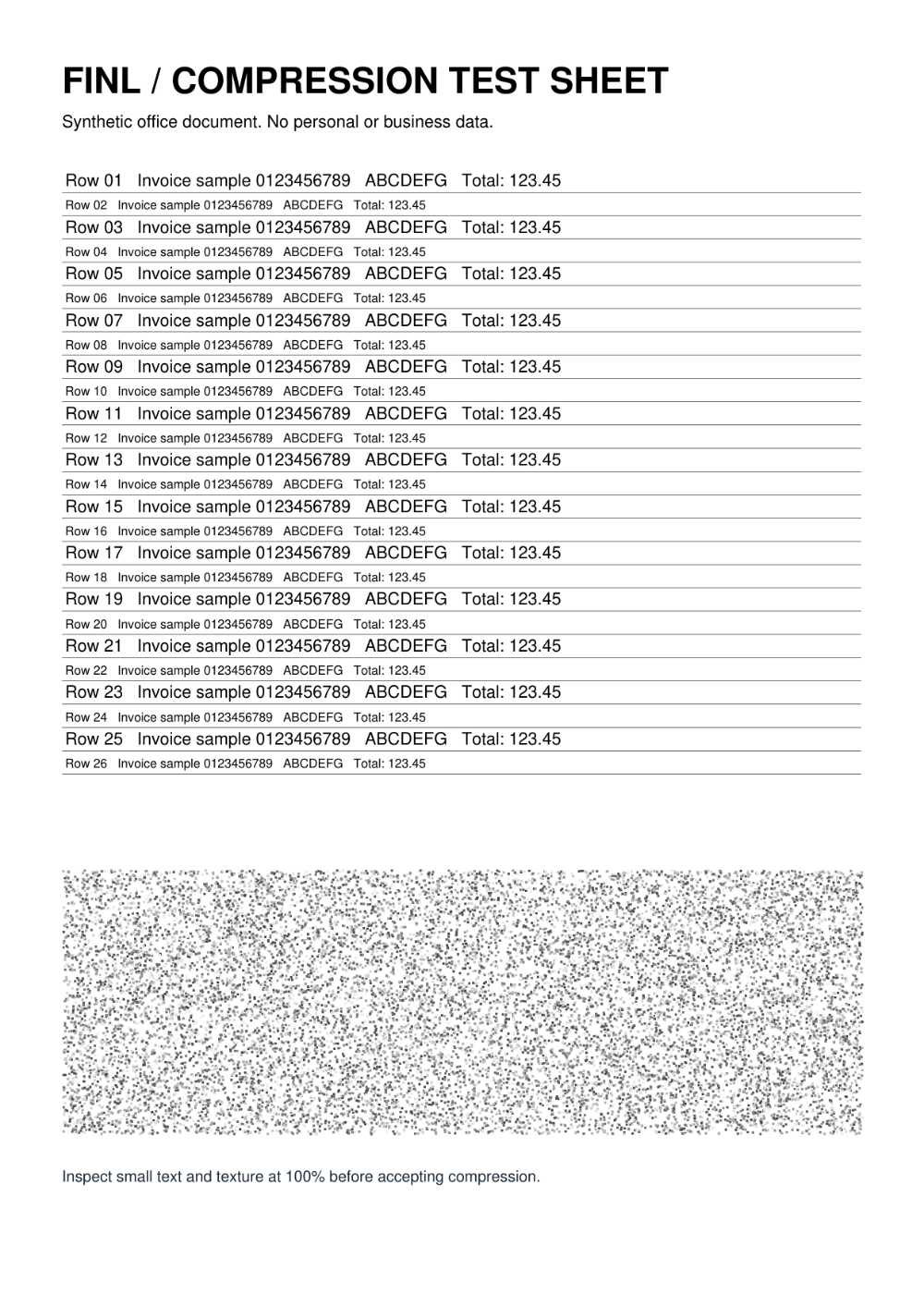
How to interpret this result:Both outputs are 1000 × 1413 pixels. Reducing width removes pixels; reducing JPEG quality adds lossy compression. They have different effects. This example changes both format and dimensions, so not all size reduction is attributable to quality. The PNG quality slider usually does not change encoding quality; avoid converting transparent images directly to JPEG.
Test environment and using the examples
Test date:.macOS / Chromium 153.0.0.0 / browser Canvas encoding, processed and downloaded through the actual page.
These examples were created by this site. You may download, modify and use them to repeat the tests. They illustrate operations and limitations and contain no real business data. Output size and detail may vary with software versions, browsers and input files.
Worked example
Select target-size mode, enter 200KB and choose JPEG. Each image is independently compressed toward 204800 bytes or less. Results show whether the target was met and the final dimensions; check small text and details after downloading.
Understanding settings and results
- Target mode supports JPEG/WebP, adjusting quality first and dimensions if necessary. 1KB means 1024 bytes.
- Dimension limits apply before target compression. The algorithm has a minimum quality of 35% and short-side limit of 320px; smaller originals or manually limited images are not enlarged.
Scope and limitations
- Both manual and target JPEG output fill transparency with white. PNG/WebP can retain transparency. Unsupported encoders produce an error, not a download with an incorrect extension.
- Maximum 30MB per image. If quality and dimension limits are reached above the target, the result is marked “Target not met”. Repeated lossy compression loses detail.
Troubleshooting
- If the file did not shrink, check whether you kept the original format without reducing dimensions.
- Try preserving the original format for color shifts; some browsers have limited support for special ICC profiles.
Privacy and processing
Compression runs entirely in the browser. Images are not uploaded to this site. Closing or refreshing the page clears the current processing state.