Wrong print size after splitting? Compare page dimensions and print scaling →
Download examples · Check the results
Split four regions into four pages: check order and dimensions
We created an A4 PDF labeled ZONE A/B/C/D in the upper left, upper right, lower left and lower right. A split line at 50% of page height and another at 50% of width were processed through this site's line-splitting API.
- Download the original four-region file and upload it to the preview above.
- Add a centered horizontal line, then a centered vertical line, or use a 2-row × 2-column grid.
- Choose PDF output. Check pages A → B → C → D; each page is about 105 × 148.5 millimeters.
| File and settings | File size | Download |
|---|---|---|
| Original: 1 A4 page / four regions | 1.7 KiB | Download file |
| Output: 4 pages / A → B → C → D | 5.9 KiB | Download file |
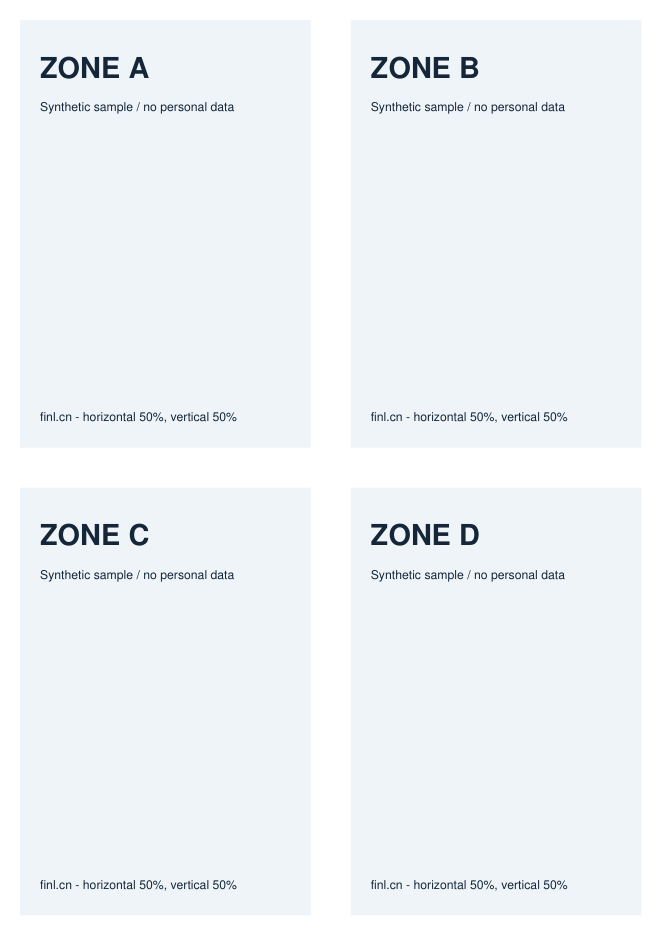
How to interpret this result:This turns one page into four, ordered top to bottom and left to right within each row. It does not enlarge each region to A4 or automatically detect receipt edges. A line through text cuts its visible content; check the preview first. Region cropping is not secure redaction.
Test environment and using the examples
Test date:.Python 3.14.5 / pypdf 6.19.0 / PyMuPDF 1.28.2 / Pillow 12.3.0.
These examples were created by this site. You may download, modify and use them to repeat the tests. They illustrate operations and limitations and contain no real business data. Output size and detail may vary with software versions, browsers and input files.
Worked example
Add a horizontal line at 50% of an A4 scan to produce top and bottom pages. Add a vertical line at 50% to produce four regions, ordered top to bottom and left to right.
Understanding settings and results
- Lines on page 1 apply to all pages by default; later pages can be customized. Check pages with different dimensions or orientations individually.
- Horizontal, vertical and grid modes use line splitting; rectangle mode uses region cropping.
Scope and limitations
- Split lines must be inside the page, not on the 0% or 100% edges.
- Regions are measured from the top left of the rotated visible page. Each width and height must be at least 1 PDF point. Annotation and form appearances inside regions are flattened into ordinary page content; interaction, popup content and attachments are not retained. Cropping is not secure redaction.
Troubleshooting
- If the preview is missing, check that the browser can load PDF.js and select the file again.
- If text looks wrong after splitting a scan, print the source to PDF again before processing.
Privacy and processing
The PDF is uploaded for processing. The browser generates the preview; the server performs the final split or crop. Temporary files are deleted on the automatic cleanup cycle.